Inquiry
Capture the opportunity while the details are fresh.

A PRACTICAL SALES-PIPELINE SYSTEM
The Lead-to-Client Command Center gives you one organized system for capturing inquiries, qualifying prospects, preparing for discovery calls, tracking proposals, managing follow-up, and turning the right opportunities into signed clients.
Created by enTICEing Media | Offered through Rogue Current Studio
29 downloadable files. Editable templates, print-ready PDFs, and an automated Excel command center. No subscription.
THE LEAD WASN'T THE PROBLEM
A new inquiry arrives. You reply, exchange a few emails, schedule a call, send a proposal, and make a mental note to follow up.
Then client work gets busy.
The follow-up date passes. The proposal disappears into an email thread. You cannot remember which leads were qualified, which ones needed more time, or where your best clients originally found you.
The problem is not always a lack of interest. Often, it is the lack of a consistent system for deciding what happens next.
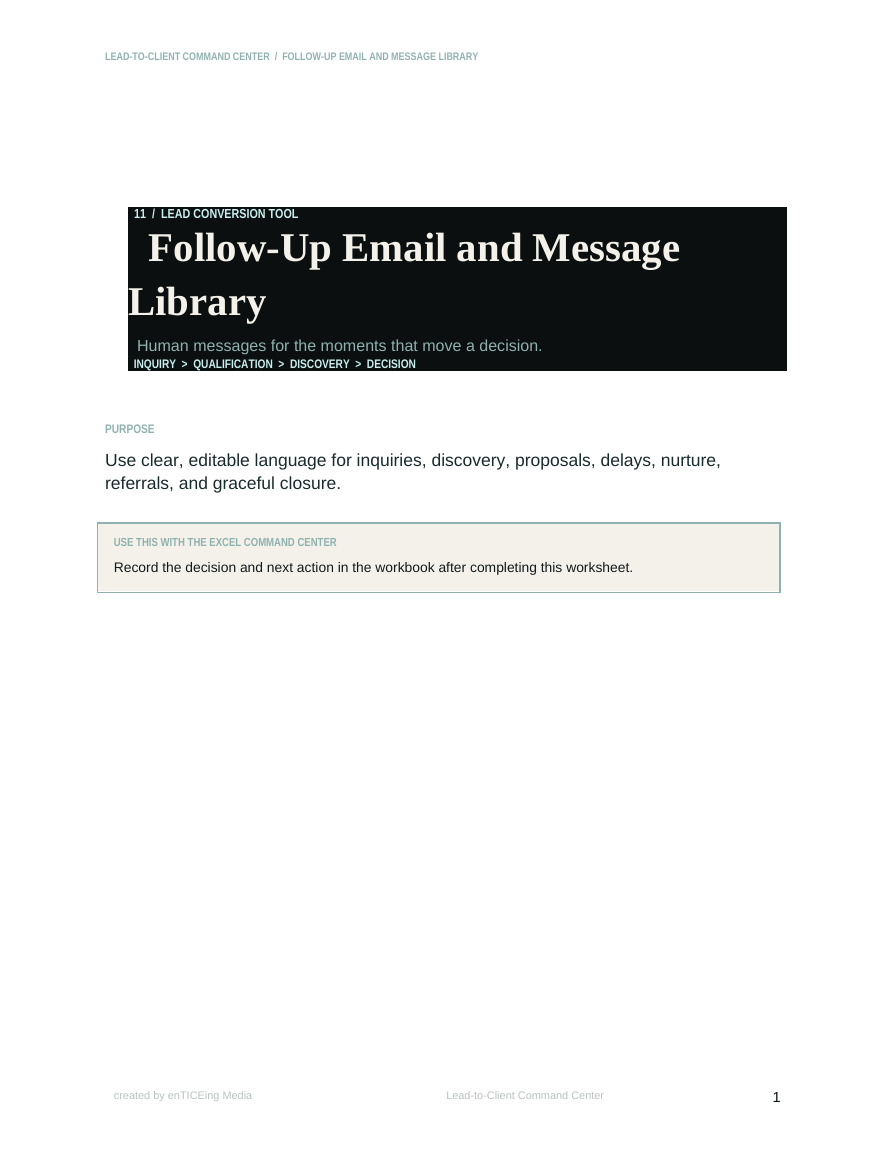
The Lead-to-Client Command Center replaces scattered notes, inbox searches, and mental reminders with one practical workflow you can actually maintain.
ONE CONNECTED WORKFLOW
Capture the opportunity while the details are fresh.
Evaluate fit, urgency, budget, authority, and readiness.
Prepare better questions and document what the prospect actually needs.
Confirm that the opportunity is ready before investing time in a proposal.
Plan the next contact instead of hoping you remember it.
Record the outcome, identify what influenced it, and learn from the result.
Move signed clients into a structured onboarding process without rebuilding their information.
Every part of the system is designed to answer one practical question: What needs to happen next?
LESS GUESSING. BETTER FOLLOW-THROUGH.
You do not need a complicated CRM or a new piece of software that takes three weeks to configure. You need a clear place to capture the opportunity, evaluate it, follow it, and make the next decision.
WHAT'S INCLUDED
This is not a folder filled with thirteen versions of the same blank worksheet. Each file has a specific role in the workflow and is designed to work with the rest of the system.
Editable and print-ready formats. Instant digital access.
EDITABLE + PRINT-READY
Thirteen practical templates follow the full lead-conversion workflow. Every editable Word document includes a matching PDF reference.
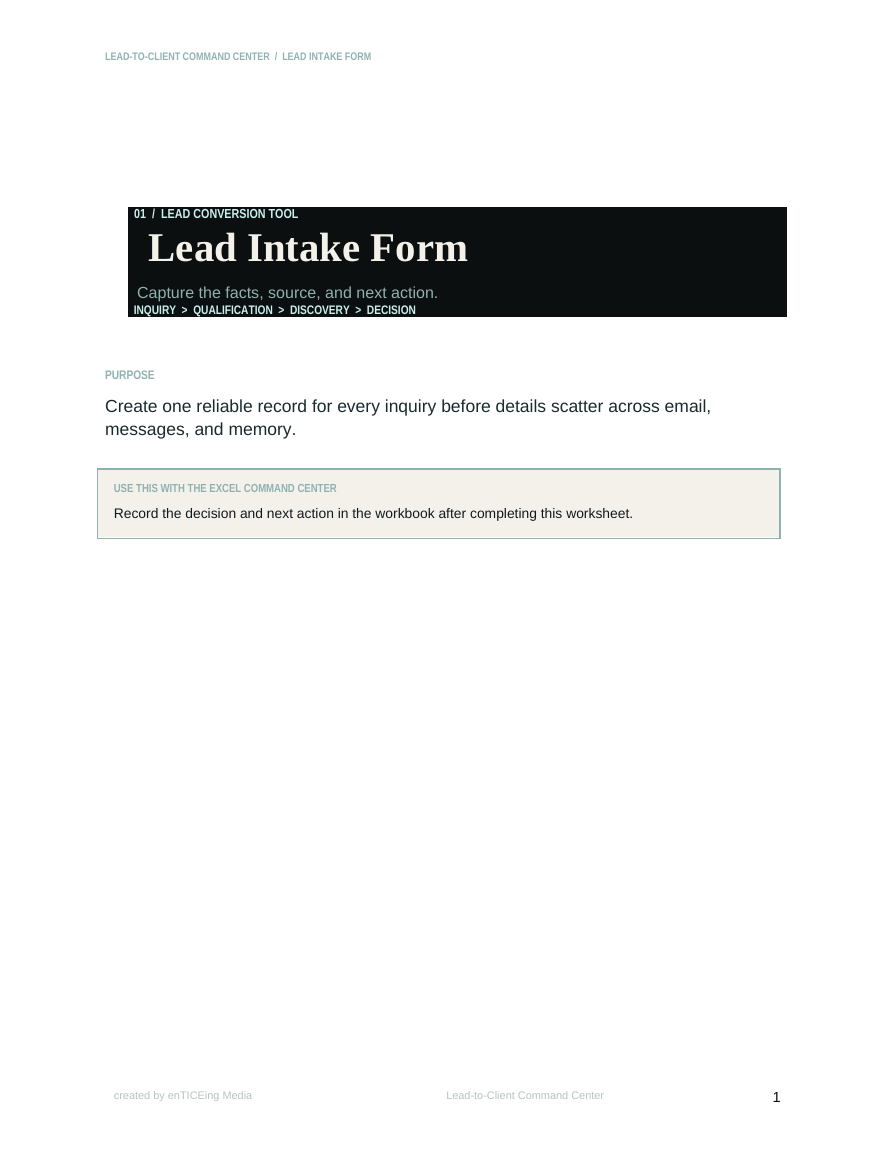
Capture contact details, inquiry source, requested service, budget, timeline, decision-makers, desired outcomes, and the immediate next action.
Define the characteristics, needs, behaviors, expectations, and warning signs associated with a strong-fit client.
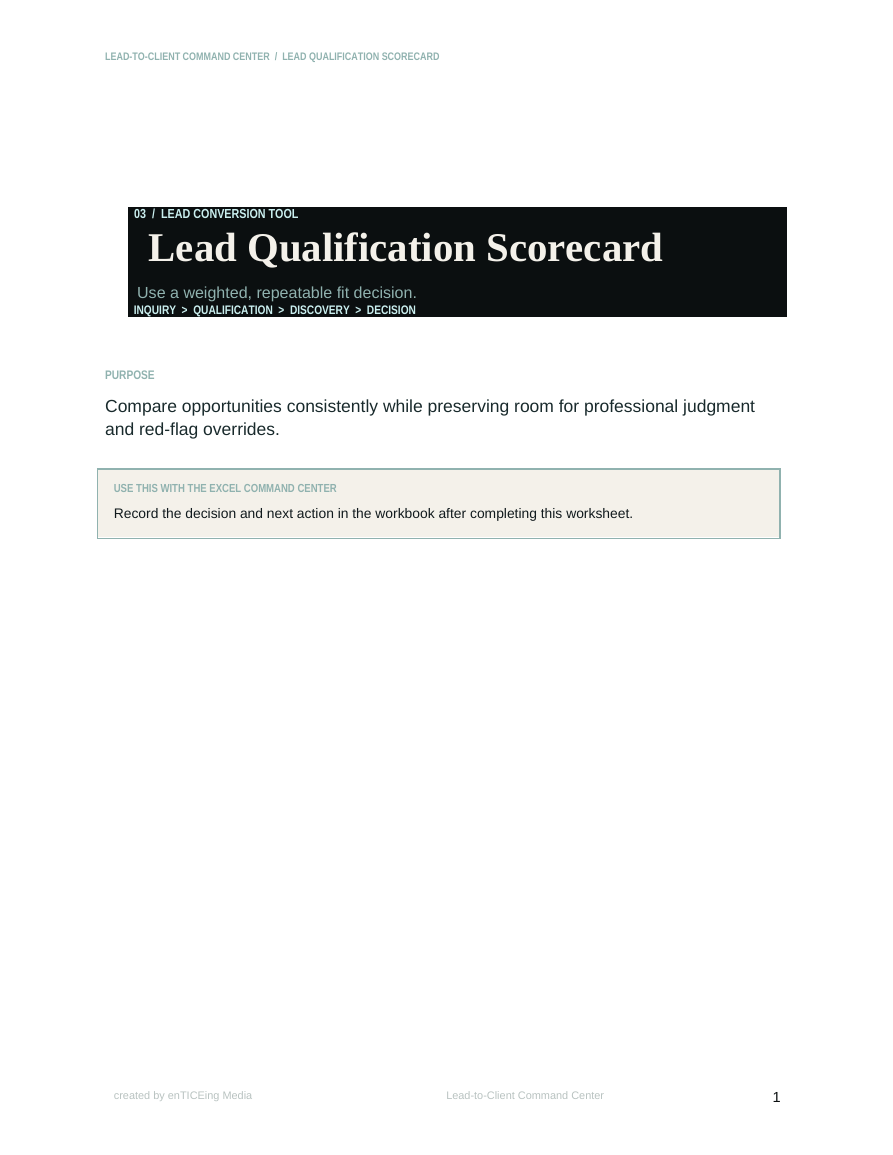
Score opportunities using a weighted 100-point system covering fit, need, budget, authority, timing, engagement, and readiness.
Evaluate alignment, communication patterns, expectations, potential risks, and whether an opportunity should move forward.
Research the prospect, clarify call objectives, identify knowledge gaps, and prepare thoughtful questions before the conversation.
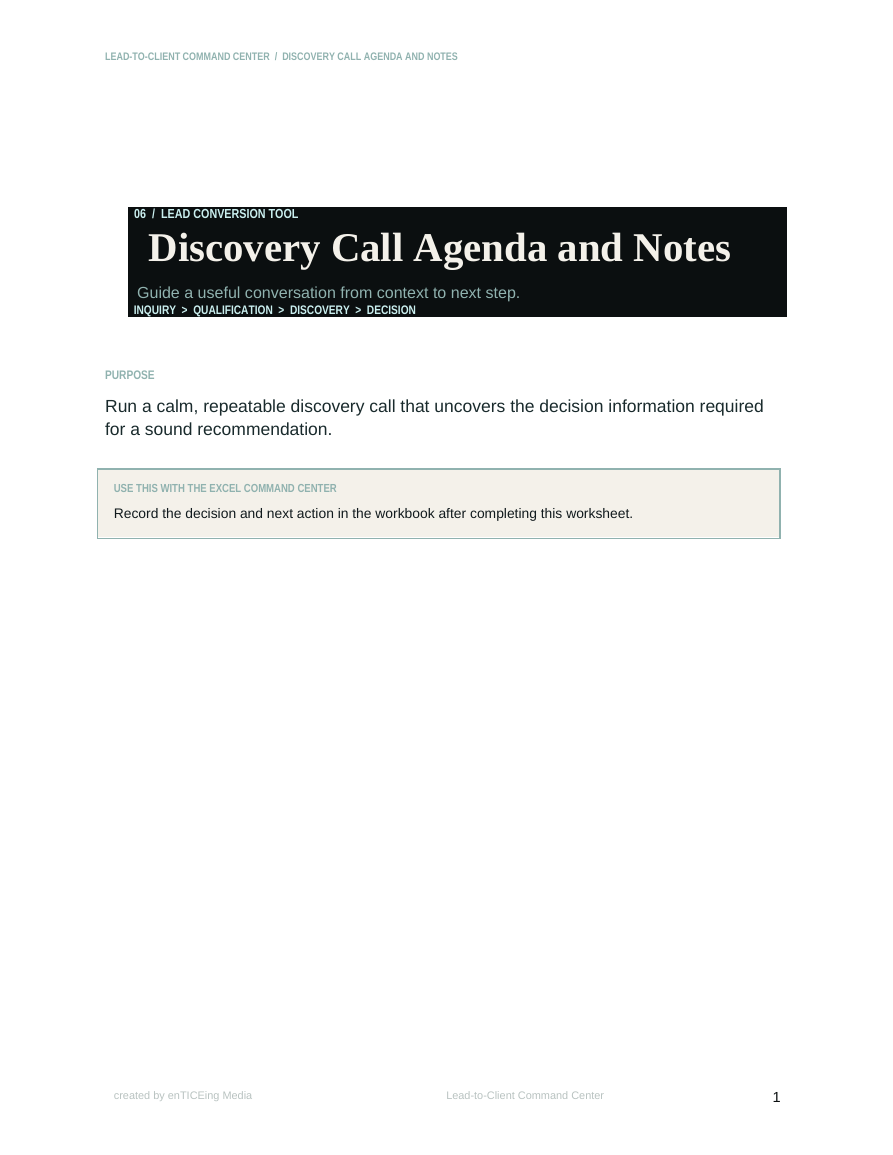
Guide the call from opening context through goals, challenges, decision criteria, timeline, budget, concerns, and next steps.
Turn a discovery conversation into a concise internal record of what the prospect needs and how the decision will be made.
Confirm that the opportunity is qualified and the necessary information is available before creating a proposal.
Prepare calm, useful responses to common concerns involving price, timing, trust, approval, alternatives, and uncertainty.
Create a deliberate follow-up schedule with dates, channels, objectives, messages, and next actions.
Use 15 adaptable messages for discovery calls, proposals, quiet prospects, delayed decisions, nurturing, referrals, wins, and losses.
Document the result, identify what influenced the decision, and turn every outcome into useful business intelligence.
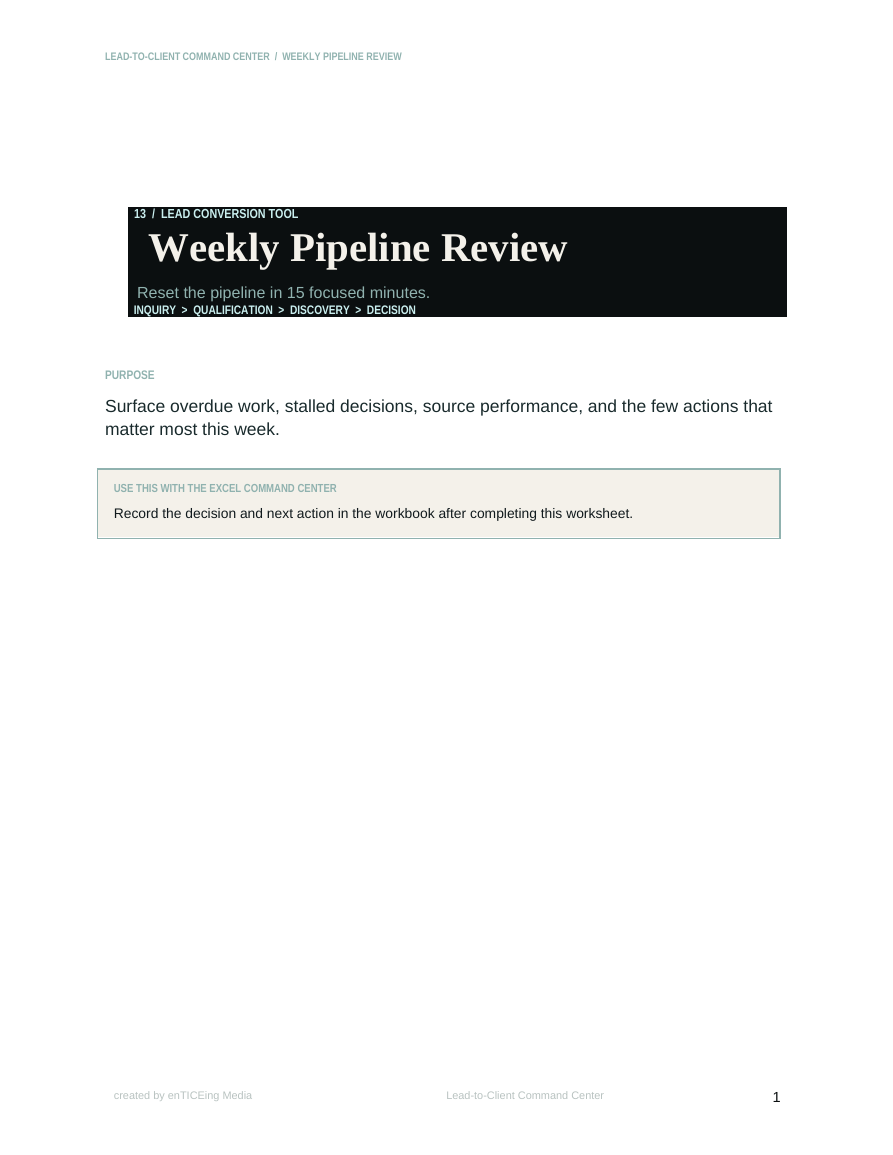
Review active opportunities, overdue follow-ups, stalled deals, upcoming decisions, pipeline health, and the week’s priorities.
THE COMMAND CENTER
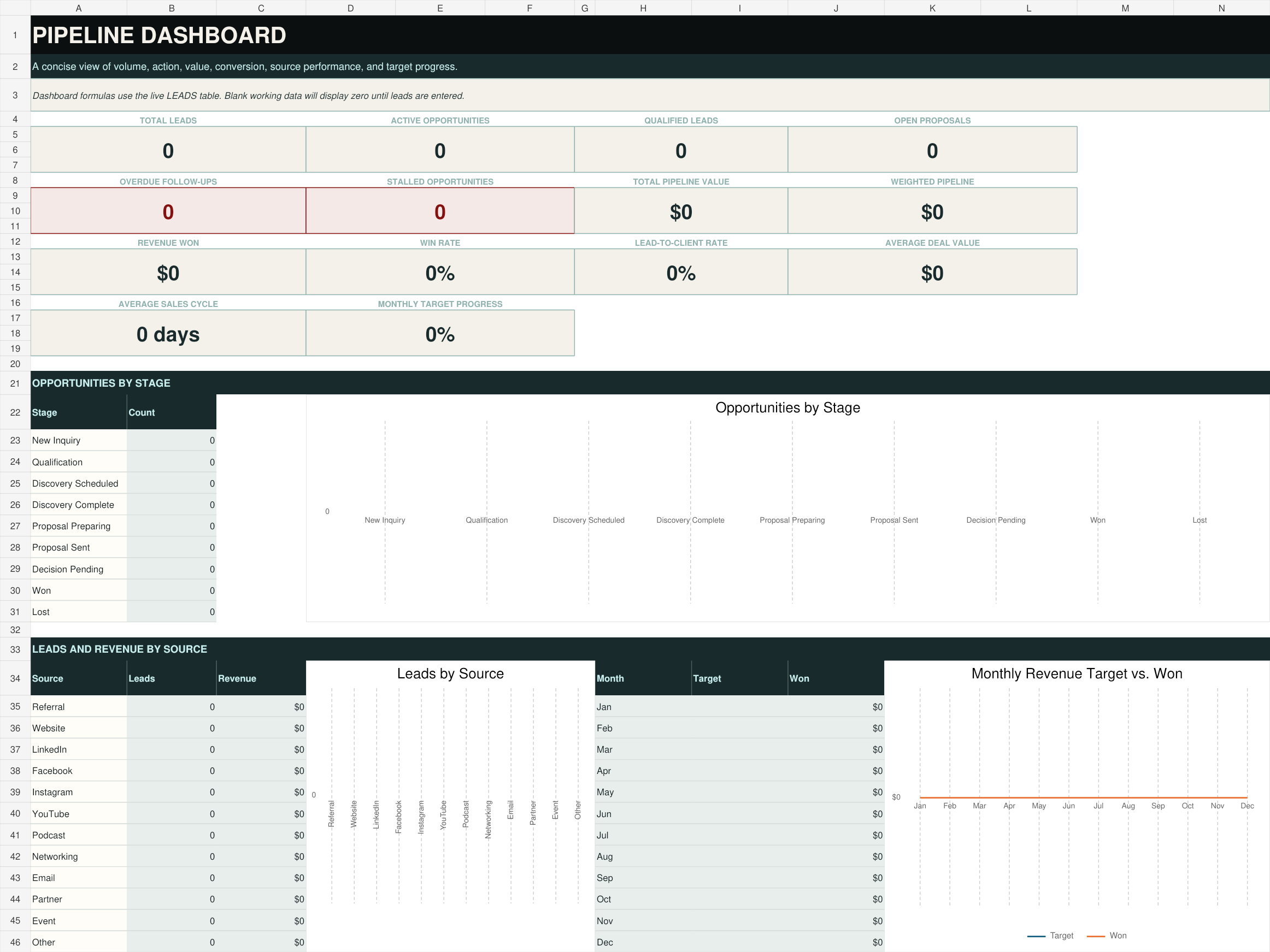
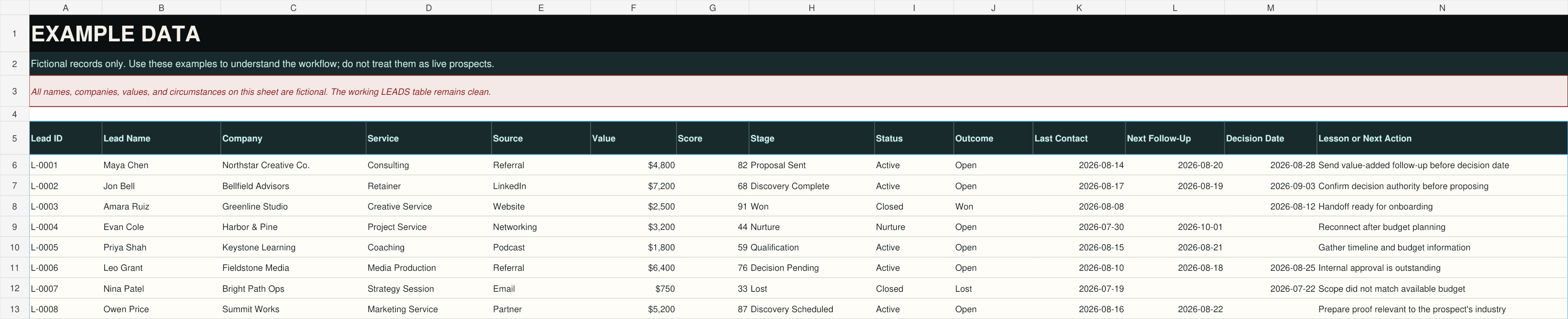
The automated Excel workbook brings the entire lead-conversion process together. Enter and update your lead information in the working tables, and the dashboard calculates key pipeline metrics automatically.
The workbook is designed for Microsoft Excel. Core content may open in other spreadsheet applications, but certain formulas, charts, formatting, or dropdown behavior may vary.
HOW IT WORKS
Receive immediate access to the organized ZIP package after purchase.
Choose the templates and workbook sections that fit your current sales process.
Add active prospects, next actions, proposal dates, decision dates, and follow-up information.
Use the dashboard, follow-up queue, and Weekly Pipeline Review to identify what needs attention.
You do not need to rebuild your entire sales process in one afternoon. Begin with your active leads, establish the next action for each one, and build the habit from there.
BUILT FOR RELATIONSHIP-BASED SALES
This is a downloadable business-management system. It does not send emails, process contracts, collect signatures, or replace specialized CRM software.
WHEN THE LEAD SAYS YES
The Lead-to-Client Command Center manages the journey from first inquiry through the final decision. Once the prospect becomes a client, the Client Onboarding Command Center provides the next structured workflow.
Inquiry → Qualification → Discovery → Proposal → Follow-Up → Decision
Agreement → Intake → Welcome → Assets → Kickoff → Project → Feedback → Completion
The products can be used independently, but together they create a more consistent transition from interested prospect to active client.
BUILD A PIPELINE YOU CAN ACTUALLY FOLLOW
Lead-to-Client Command Center
One-time payment processed securely through Stripe.
Created by enTICEing Media. Offered through Rogue Current Studio.
BEFORE YOU BUY
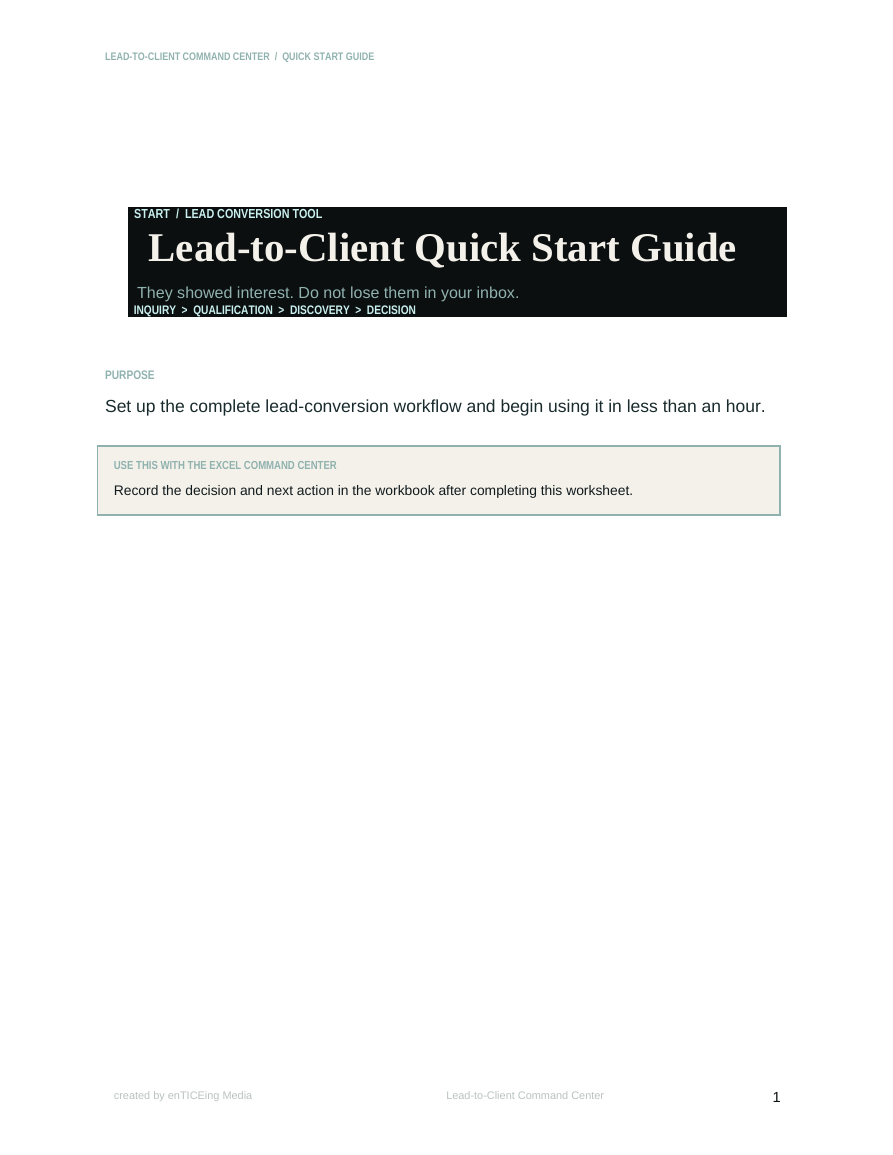
You will receive one organized ZIP package containing 29 customer-facing files: 13 editable Word templates, 13 matching print-ready PDFs, an automated Excel command center, a Quick Start Guide, and the product’s License and Use Terms.
No. The Lead-to-Client Command Center is a one-time $47 purchase.
It is a practical sales-pipeline management system, but it is not cloud-based CRM software. It does not automatically send emails, sync contacts, collect signatures, or integrate with third-party platforms.
Microsoft Word and Excel are recommended for the best editing experience. The PDF versions can be viewed and printed with a standard PDF reader. Other office applications may open the editable files, but some formatting, formulas, charts, and dropdown behavior may vary.
Yes. The DOCX files are editable, allowing you to add your business information, adjust wording, and adapt the documents to your workflow.
Yes. Every editable Word template includes a matching print-ready PDF.
Yes. Fictional examples are isolated in a dedicated Example Data section so users can understand the system without confusing examples with their live pipeline.
Yes. The workbook includes formulas, dropdowns, conditional formatting, structured tables, and dashboard calculations. Users still need to enter and maintain accurate lead information.
No. It is designed for freelancers, consultants, coaches, virtual assistants, creative service providers, boutique agencies, contractors, and other relationship-based service businesses.
The purchase is licensed for use within the purchaser’s own business. The original files may not be resold, redistributed, shared as templates, or uploaded to a public template library. See the included License and Use Terms for complete details.
Stripe will process the payment. After payment is confirmed, Rogue Current Studio will email you a secure, expiring link to download the complete package.
Because this is a digital product delivered immediately, purchases are subject to the Rogue Current Studio Refund Policy. Read the Refund Policy.
THE NEXT STEP SHOULD NEVER BE A MYSTERY
Capture the inquiry. Qualify the opportunity. Prepare for the conversation. Follow up thoughtfully. Make the decision visible. The Lead-to-Client Command Center gives you the structure to keep promising opportunities moving without turning your business into a complicated sales operation.
Get the Complete System for $47 Instant digital access · One-time purchase · No subscriptionThe Lead-to-Client Command Center is sold for a one-time price of $47 USD. Payment is processed securely by Stripe. After confirmed payment, the purchaser receives a secure, expiring link to download the complete ZIP package.
Digital purchases are generally final once delivery is provided, subject to applicable law and the posted Refund Policy. Contact enticeingmedia@gmail.com if a file is missing, corrupted, inaccessible, or materially different from its description.
One purchaser or one internal business team may use and customize the files for its own operations. Resale, redistribution, sublicensing, public sharing, white-labeling, repackaging, lead-magnet use, and membership-library distribution are prohibited.
The templates provide general organizational and business-planning information. They are not legal, financial, tax, accounting, or professional sales advice. Review and adapt the materials for your own business and obligations.